
All Cursor Packs
Browse our full collection of custom cursors. Find your next favorite style and install it for free.
 Among Us White Character cursorAmong Us White Character Cursor - Unveiling the Mystery of the Plain and Innocent Crewmate
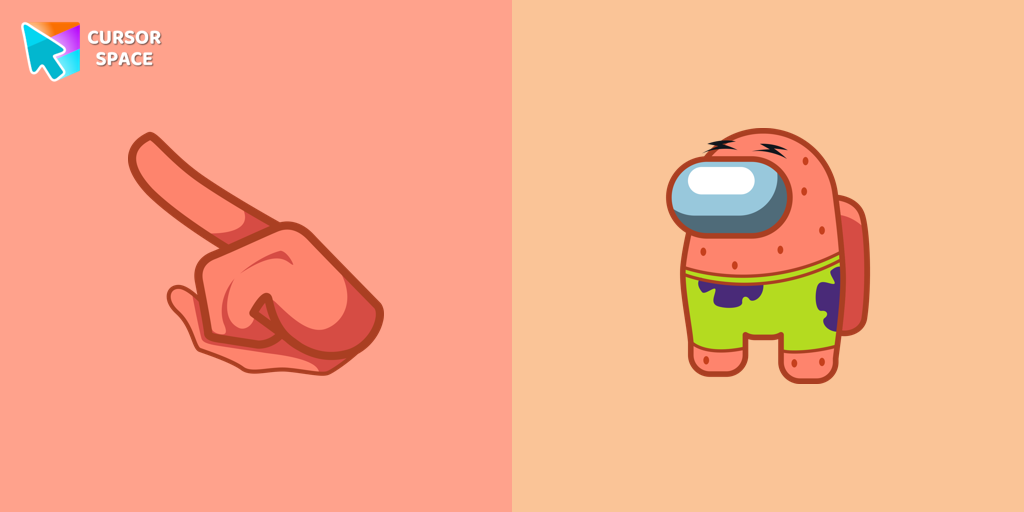 Among Us Patrick Star Character cursorAmong Us Darth Vader Character Cursor - Embracing the Dark Side in the Cosmic Deception
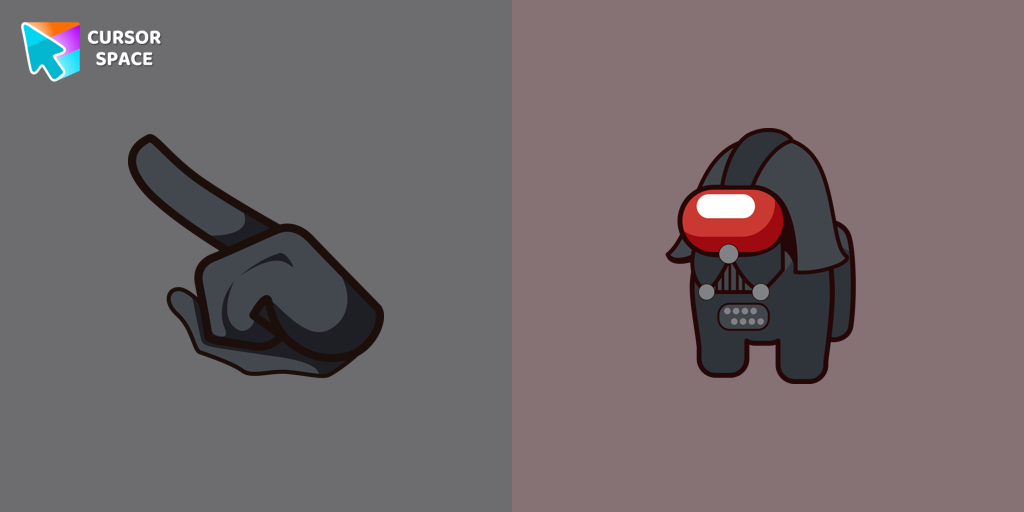 Among Us Darth Vader Character cursorAmong Us Darth Vader Character Cursor - Embracing the Dark Side in the Cosmic Deception
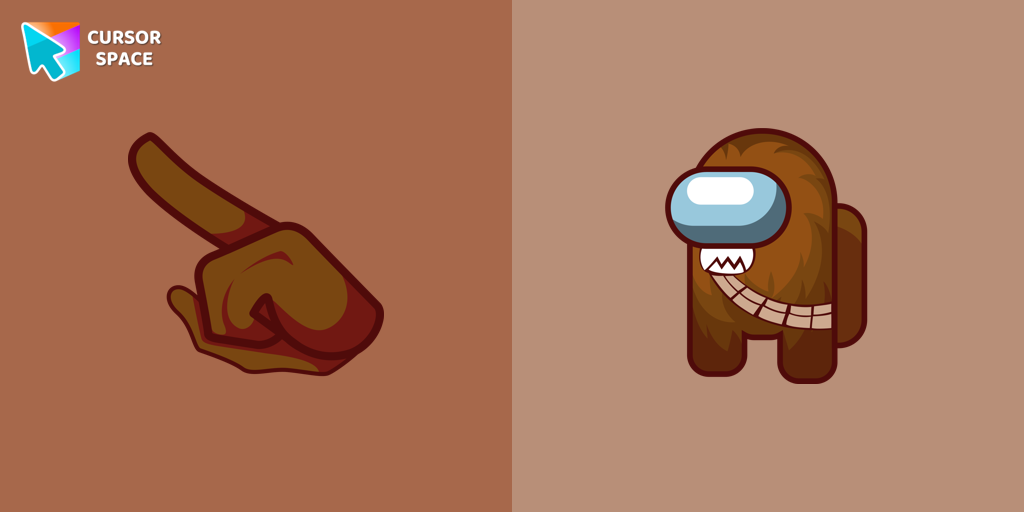 Among Us Chewbacca Character cursorThe Chewbacca character cursor is a highly sought-after customization option in Among Us.
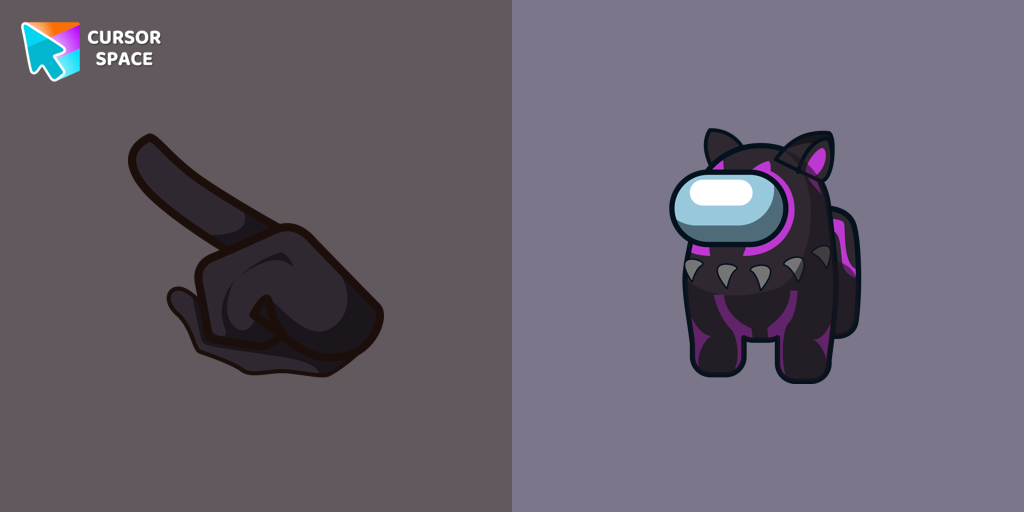 Among Us Black Panther Character cursorThe Black Panther character cursor has become a highly sought-after customization option in Among Us.
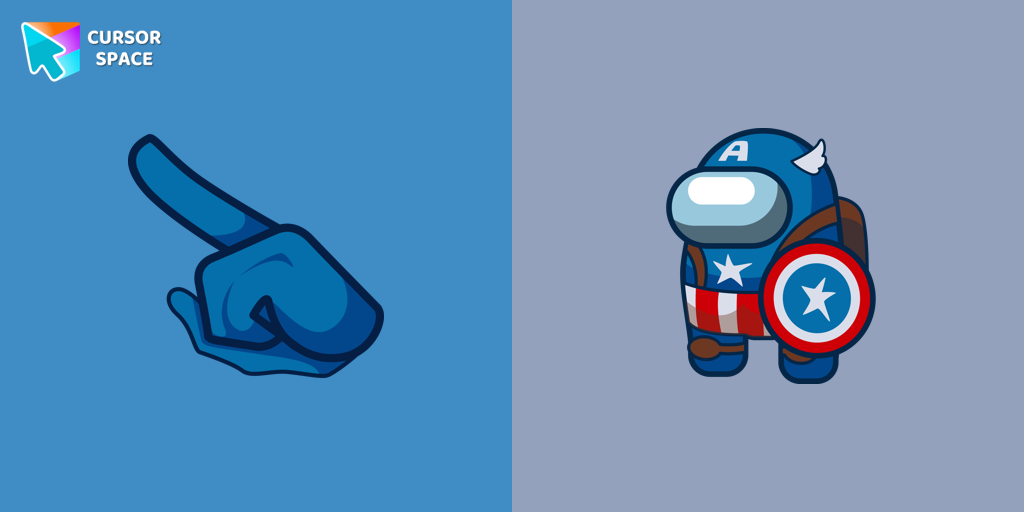 Among Us Captain America Character cursorTransform your browsing with the Captain America custom cursor. Replace the default pointer with this iconic custom cursor for Google Chrome for a heroic touch.
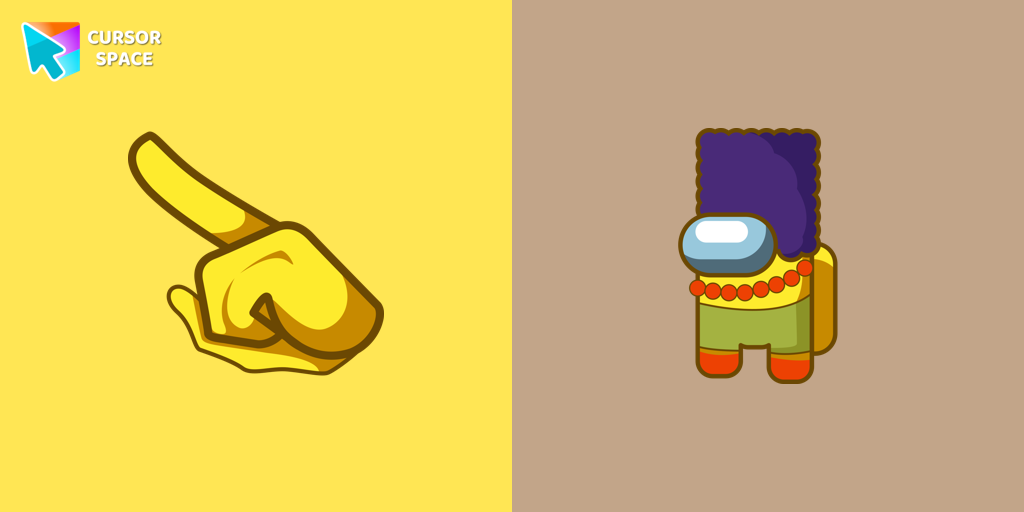 Among Us Marge Simpson Character cursorAdd a touch of nostalgia with the Marge Simpson custom cursor for Google Chrome. Navigate Among Us with her quirky charm and signature blue hair.
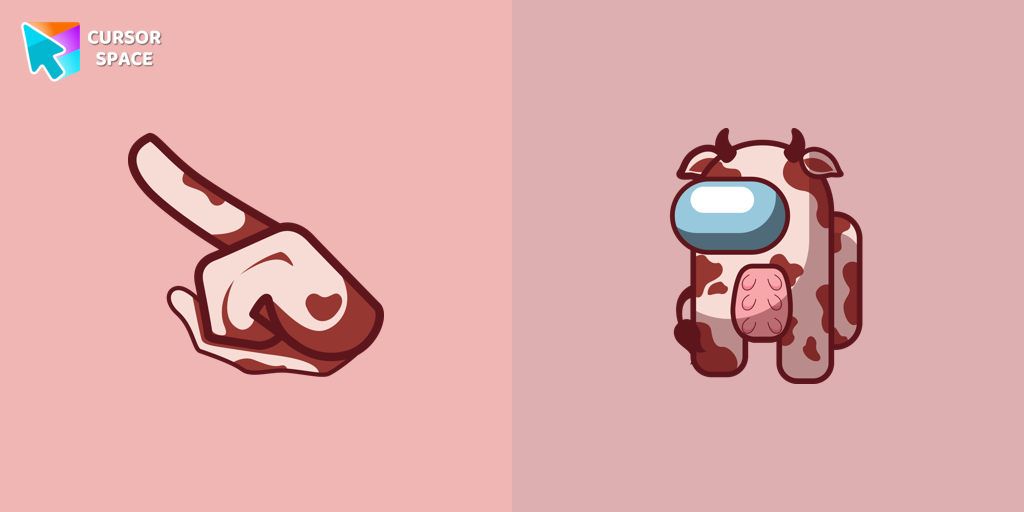 Among Us Funny Cow Character cursorThis cursor swaps the traditional crewmate or impostor cursor with a lovable cow, complete with funny expressions and animations.
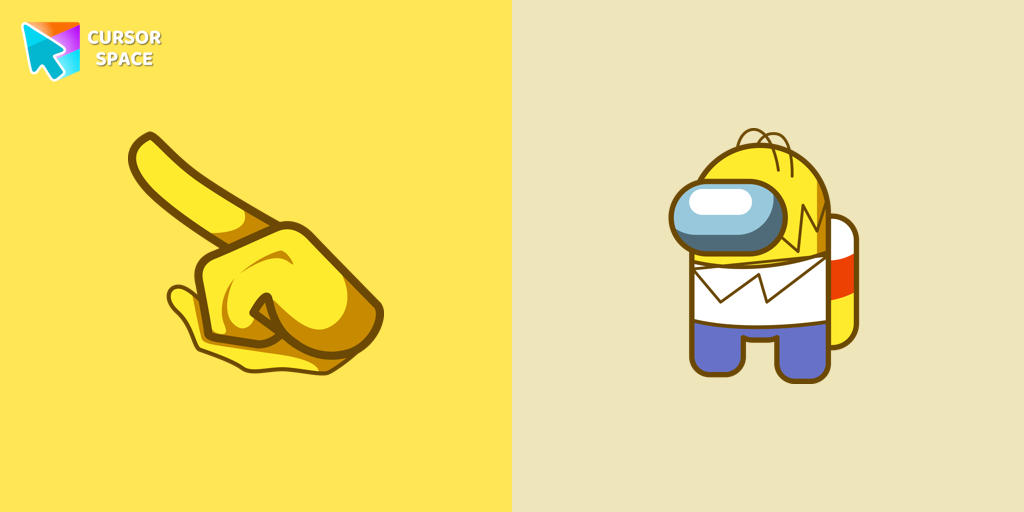 Among Us Homer Simpson Character cursorThe Homer Simpson cursor is the latest addition to the customization options available to players in Among Us.
 Among Us Rick Sanchez Character cursorElevate your gaming with a custom cursor for Google Chrome featuring Rick Sanchez from "Rick and Morty." Personalize your custom cursor for a unique experience.
 Among Us Blue Character cursorBlue Among Us Character is a custom cursor from our custom cursors collection for Chrome. There are 18 different colors that players can choose in the lobby during the game.
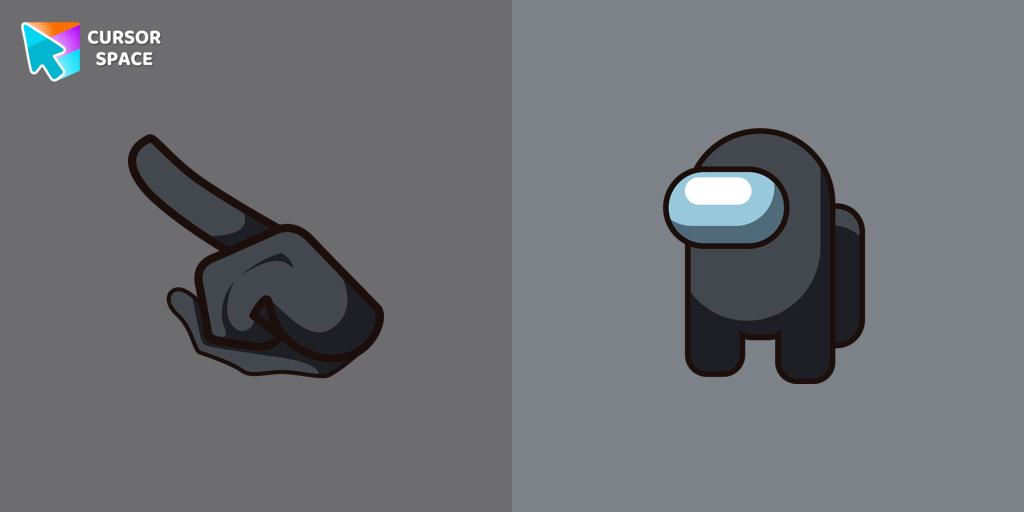 Among Us Black Character cursorUnleash the Stealthy Excellence with Among Us Black Character Cursor
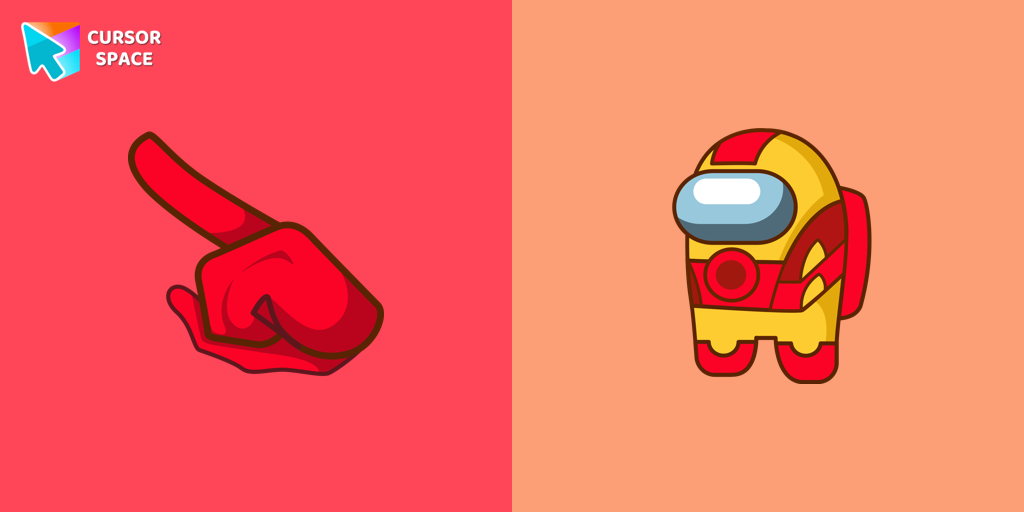 Among Us Iron Man Character CursorIf you're a fan of the popular game Among Us, as well as the legendary superhero Iron Man from the Marvel universe, then get ready to have your minds blown!
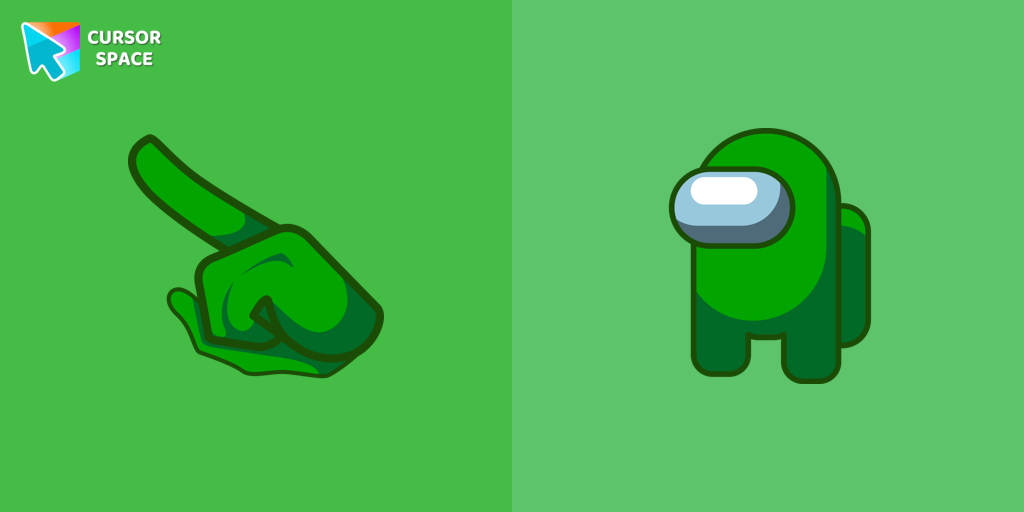 Amp up Your Among Us Game with Green Character CursorsGreen is a color that symbolizes vitality, growth, and unity. When you equip the Among Us Green Character Cursors, you instantly add a burst of energy and vibrancy to your gaming session.
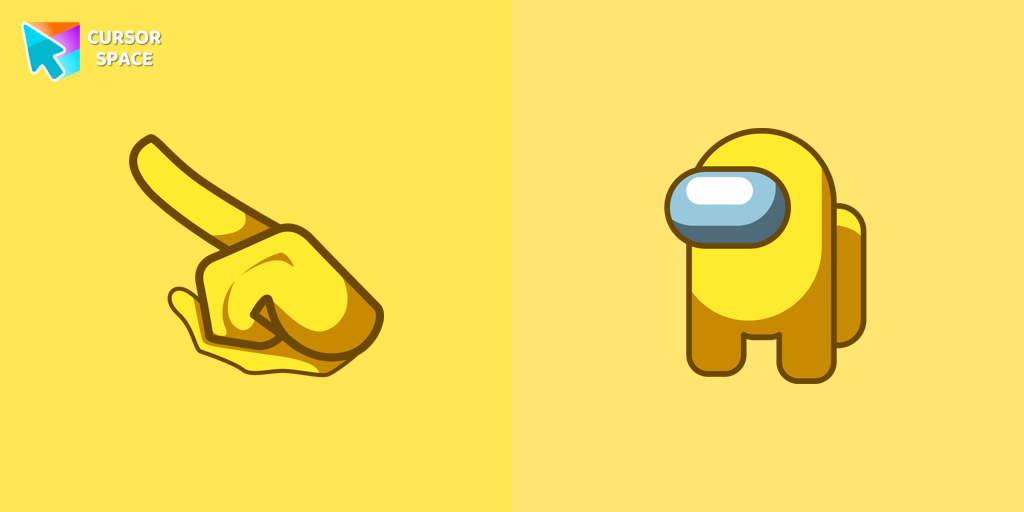 Among Us Yellow Character cursorYellow Among Us Character is a custom cursor from our custom cursors collection for Chrome. There are 18 different colors that players can choose in the lobby during the game.
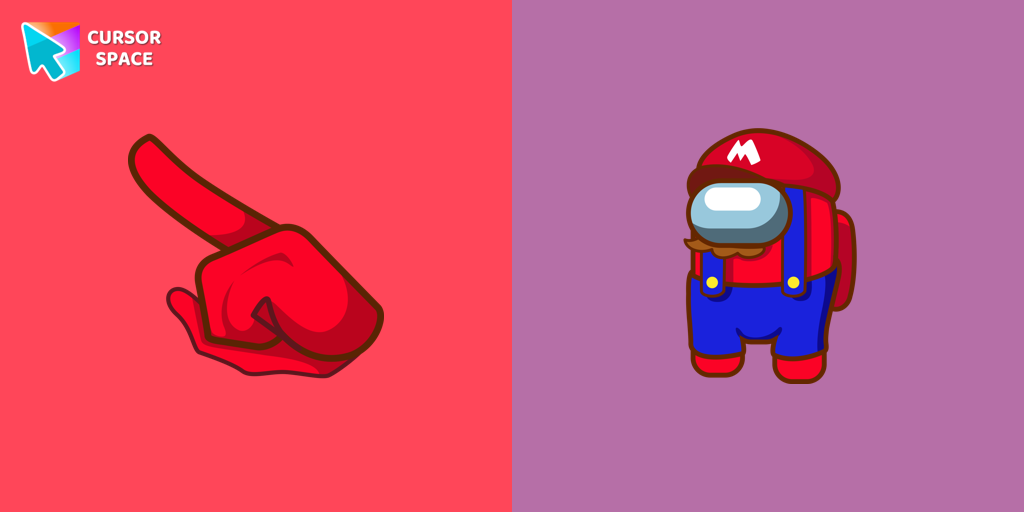 Among Us Super Mario Character cursorIn the vast array of cursors available, let's not overlook the vibrant red Super Mario characters.
 Among Us Pokemon Character cursorAdd a touch of fun to your browsing with a custom cursor for Google Chrome featuring vibrant orange Pokémon characters like Charmander and Infernape.
 Among Us Rainbow Character cursorIntroducing our Among Us custom cursors collection for Chrome! Now, your favorite Among Us characters can come to life on your screen.
 Among Us Orange Character cursorOur custom cursors for Among Us now includes the Orange character cursor. Players can add a pop of bright color to their in-game character and show off their unique style while playing Among Us.
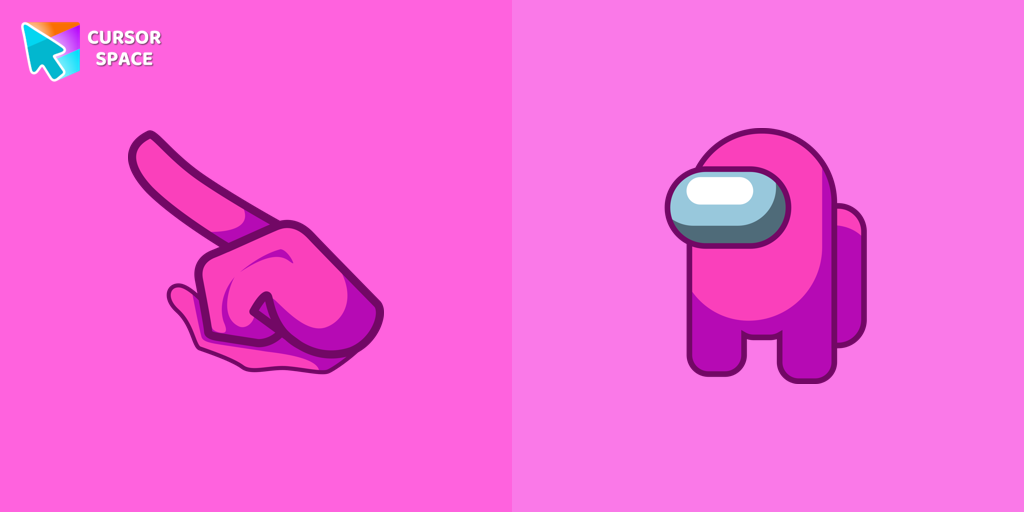 Among Us Pink Character cursorOur custom cursors collection for Chrome includes the Pink Among Us Character cursor, allowing players to stand out in the game and add a personal touch to their gameplay experience.
Explore cursor packs by style
Cursor Space packs include curated cursor sets for everyday browsing: cute, minimal, anime, neon, pixel art, and more. Each pack comes with multiple cursor states (like default and pointer) and can be added to your browser in seconds.
Trending now
Fresh picks based on what people install most often.
Collections
Browse themed sets grouped by vibe and aesthetic.
Top charts
See weekly, monthly, and all-time leaders.
How to install a cursor pack
- Open any pack from the grid above.
- Click the install / add button on the pack page.
- If you don’t have it yet, install the Cursor Space browser extension.
- Apply the pack in the extension and enjoy your new cursor.
FAQ
Quick answers to common questions about cursor packs, collections, and installation.
Are cursor packs free on Cursor Space?
Most cursor packs on Cursor Space are free to browse and install. Some packs may be marked premium depending on licensing. The Cursor Space browser extension is free to install from the Chrome Web Store.
Do cursor packs work on Chrome and Edge?
Yes. Install the Cursor Space extension for Chromium-based browsers (Chrome, Edge, Brave), open a pack page, and click install/apply. The extension applies the cursor set across your browser.
How do I install a custom cursor pack?
Open the pack page, click the install or add button, install the Cursor Space extension if prompted, then apply the pack from the extension popup. Your new cursor appears immediately.
Can I change or remove a custom cursor later?
Yes. Open the Cursor Space extension, choose another pack, or restore the default system cursor from the extension settings.
Is the Cursor Space extension safe?
Cursor Space is distributed via the Chrome Web Store and Edge Add-ons. Keep the extension updated, and only install packs from trusted catalog pages on this site.